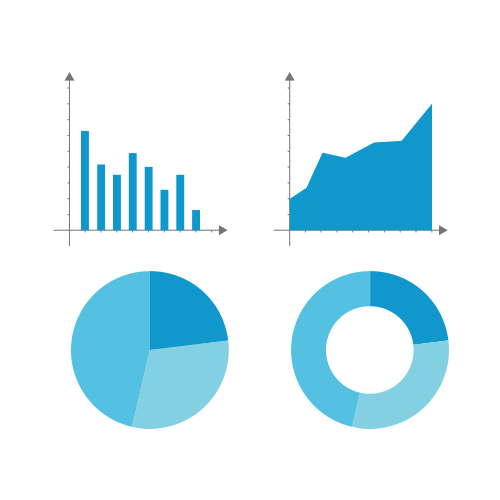
Chart Cheat Sheet
by Alexis Hope,
A reference for chart types, anatomy, and terminology — particularly useful when working with D3 or communicating design intent to engineers and stakeholders.
Terminology
Graph — a diagram representing a mathematical function or relationship between variables, typically drawn as a continuous line. The term comes from graph theory; in common usage it is often conflated with "chart" but strictly refers to a plotted function.
Chart — a graphical representation of data using shapes, symbols, or spatial encoding (bars, slices, bubbles). Charts communicate patterns in discrete or categorical data rather than continuous functions.
Plot — data points marked on a coordinate system where both axes are continuous and quantitative. A scatter plot is the canonical example. The distinction from a chart is that a plot makes no assumptions about the relationship between points.
Diagram — a schematic figure that illustrates structure, process, or logical relationships. Unlike charts, diagrams are not necessarily data-driven — a Venn diagram or flowchart is a diagram in this sense.
Infographic — a composition combining charts, diagrams, illustration, and text to tell a narrative about data. An infographic has editorial intent; a chart is a component within one.
Chart Anatomy
Understanding the named parts of a chart is important both for communicating with stakeholders and for structuring SVG or D3 code, where each part maps to a distinct element or group.
Axis
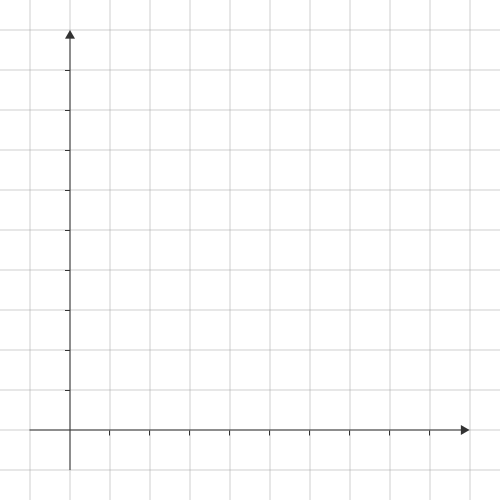
An axis encodes a dimension of the data along a spatial direction. Most charts have two: a horizontal x-axis (typically the independent variable or category) and a vertical y-axis (typically the dependent variable or measure). An axis consists of:
- Domain line — the baseline of the axis
- Ticks — short marks at regular intervals indicating scale values
- Tick labels — text values at each tick
- Axis label — a title describing what the axis encodes (units, dimension name)
In D3 this is handled by d3.axisBottom(), d3.axisLeft() etc., which generate the full axis group from a scale.
Scale
A scale is the mapping function between data values and pixel positions. Common scale types:
- Linear — continuous input → continuous output. Used for quantitative measures.
- Log — compresses large ranges; useful when data spans orders of magnitude.
- Band / Ordinal — maps discrete categories to evenly spaced bands. Used for bar charts.
- Time — a specialised linear scale for date/time data, respecting calendar intervals.
- Colour scale — maps a quantitative or categorical dimension to a colour range. Critical for heatmaps and choropleth maps.
Legend
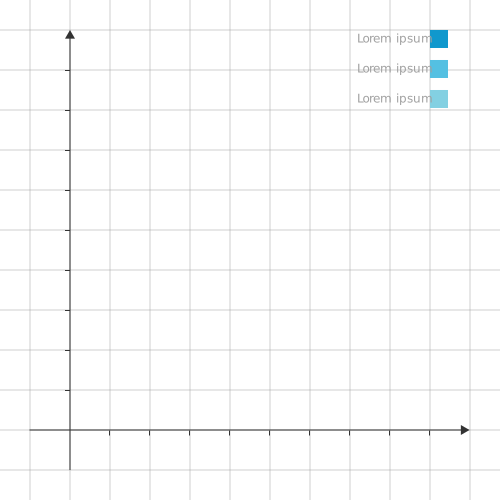
A legend maps visual encodings (colour, shape, size) back to data categories or values. It is essential whenever a chart uses more than one series or colour encoding. Placement matters — legends embedded near the data they label (direct labelling) consistently outperform detached legends for readability.
Tooltip
A tooltip surfaces precise values on hover, complementing the spatial encoding with exact numbers. In D3, tooltips are typically a positioned div appended to the container, shown and hidden on mouseover / mouseout events.
Gridlines
Horizontal or vertical lines extending from axis ticks across the plot area. They help readers estimate values for data points distant from the axis. Use sparingly — dense gridlines add visual noise. A common convention is light, dashed lines at major ticks only.
Annotation
Text or shapes added to the chart body to call out a specific data point, trend, or threshold. Annotations are the primary tool for editorial intent in a chart — they direct the reader's attention to what matters. In D3, annotations are SVG text or line elements positioned in data space.
Chart Types
Bar Chart
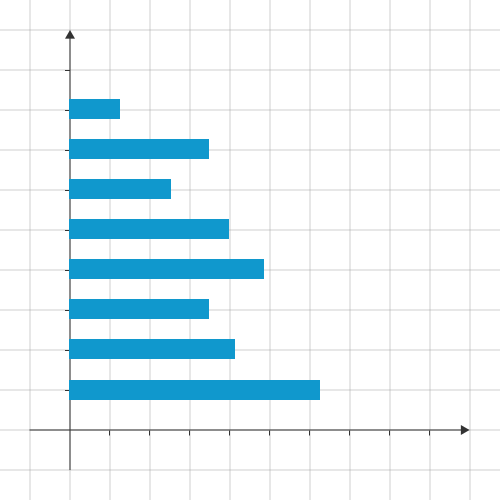
Horizontal bars encoding a quantitative value per category. The length of each bar is proportional to its value. Use when category labels are long (they fit naturally on the y-axis) or when you have many categories. Bars should always start at zero — a truncated baseline is one of the most common sources of misleading charts.
Column Chart
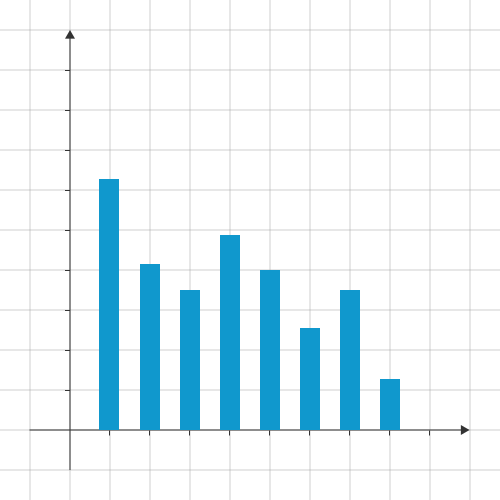
The vertical equivalent of a bar chart. Conventional for time series where time runs left to right along the x-axis. The same zero-baseline rule applies. Prefer column charts over bar charts when showing change over time; prefer bar charts when comparing across categories with long names.
Stacked Column Chart
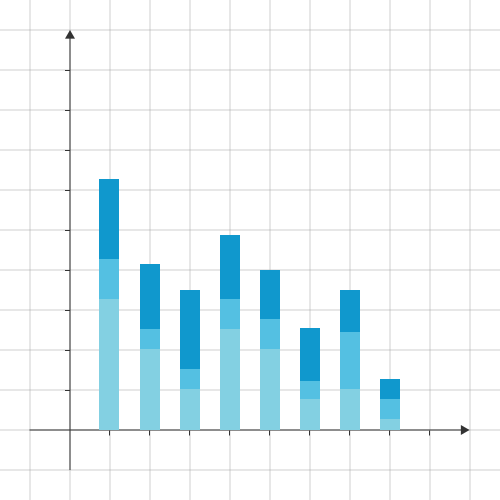
Multiple data series stacked within each column, showing both the total and the part-to-whole relationship simultaneously. The bottom series is accurate (anchored to zero); upper series are harder to compare precisely because their baselines shift. Use when the total and the composition are both meaningful. Avoid when precise comparison of individual series is the goal — a grouped column chart or small multiples serve better.
Pie Chart
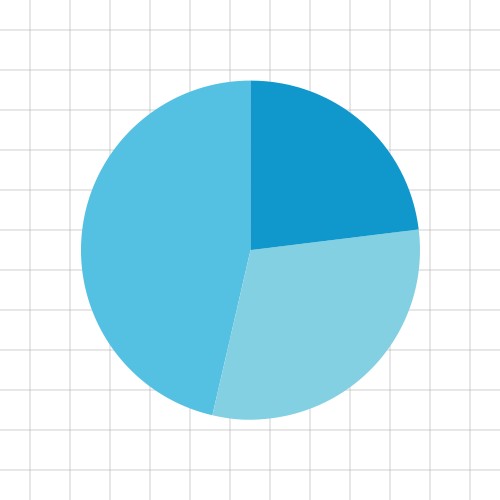
Encodes part-to-whole relationships as arc angles within a circle. Widely used, frequently misused. Known limitations:
- Humans read bar length more accurately than arc angle — a bar chart will always be easier to read for value comparison.
- Comparing pie charts of different sizes is unreliable because area perception is imprecise.
- Thin slices become indistinguishable below roughly 5% of the total.
- Percentage labels on small sample sizes can be misleading — showing absolute counts alongside percentages is better practice.
- More than 5–6 segments degrades legibility rapidly.
Reserve pie charts for situations where the part-to-whole relationship is the primary message and there are few segments.
Doughnut Chart
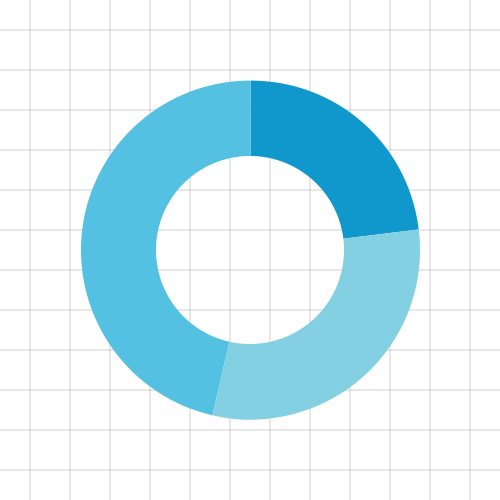
A pie chart with the centre removed. The hollow centre can be used to display a summary value (total, percentage) which partially offsets the readability cost of arc-angle encoding. Shares all the limitations of a pie chart. In D3, produced with d3.arc() by setting an innerRadius greater than zero.
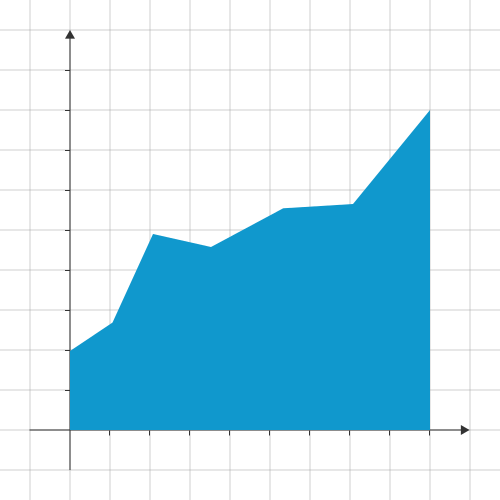
Area Chart
A line chart with the area below the line filled. Emphasises cumulative volume or magnitude over time rather than individual point values. The fill encoding makes it easier to see overall trend at a glance, but harder to read precise values than a line chart. Baseline must be zero unless the chart is explicitly annotated otherwise.
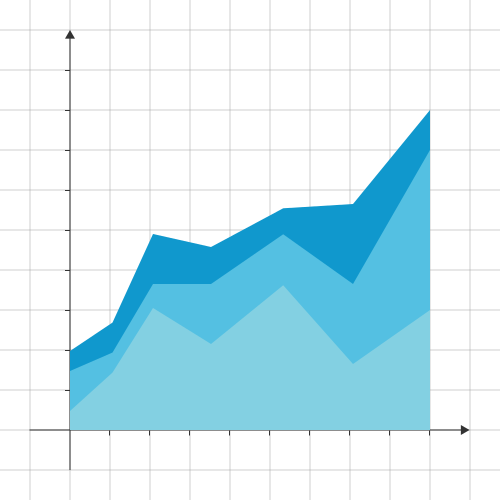
Stacked Area Chart
Multiple series stacked vertically, showing composition and total simultaneously over a continuous dimension (usually time). The same caution as stacked bars applies — only the bottom series has a stable baseline. Good for showing how a whole evolves and shifts in composition. In D3, produced with d3.stack().
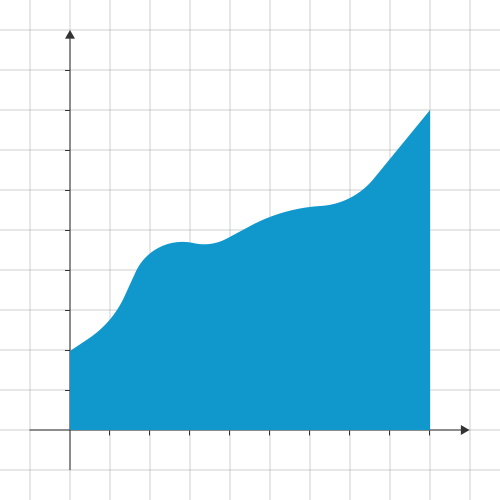
Curved Area Chart
An area chart using a curve interpolation rather than straight line segments between points. In D3, the interpolation is set on the line/area generator: d3.curveCatmullRom, d3.curveMonotoneX, and d3.curveBasis are common choices. curveMonotoneX is generally preferred for data charts as it preserves monotonicity and avoids interpolation artefacts that imply false values between points.
Line Chart
Data points connected by line segments, encoding change over a continuous dimension. The most effective chart type for trends over time. Multiple series can be overlaid directly. Unlike area charts, the visual weight is in the line itself, making it easier to compare several series simultaneously. In D3, produced with d3.line().
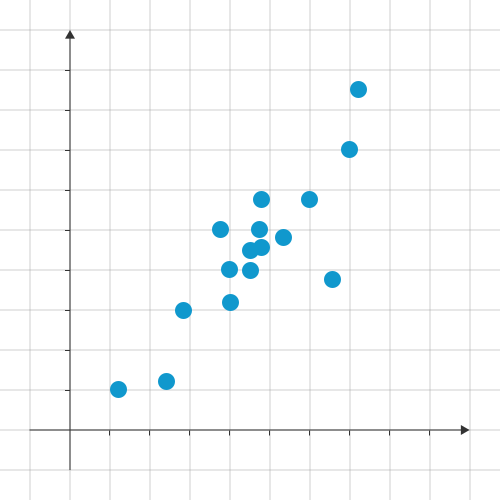
Scatter Plot
Points plotted on two continuous axes, one per data dimension. Used to reveal correlation, clustering, or outliers between two quantitative variables. A third dimension can be encoded as point size (bubble chart) or colour. Overplotting — points obscuring each other at high density — is the primary challenge; mitigations include transparency (fill-opacity), jitter, or binning into a heatmap.
Bubble Chart
A scatter plot where a third quantitative dimension is encoded as circle area. Note: encode the third dimension as area, not radius — r = Math.sqrt(value / Math.PI) — because the eye reads area, not radius. Bubble charts can accommodate a fourth dimension via colour encoding, but four simultaneous encodings approach the limit of what readers can decode reliably.
Heatmap
A matrix where cell colour encodes a quantitative value. Effective for showing patterns across two categorical dimensions simultaneously (day-of-week × hour, gene expression matrices). Colour scale choice matters significantly — sequential scales (light to dark) for single-direction data, diverging scales (two hues from a neutral midpoint) for data with a meaningful zero or threshold.
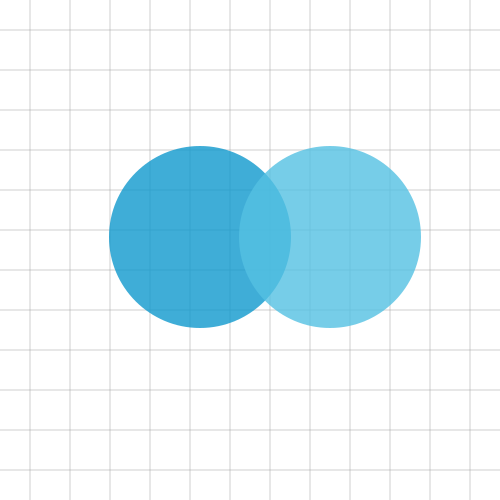
Venn Diagram
Overlapping circles representing sets, where overlap regions show intersection. Strictly a diagram rather than a data chart — the circle sizes and overlaps are typically illustrative rather than proportional to set sizes. A proportional Venn or Euler diagram encodes set sizes accurately in circle area and overlap, but is significantly harder to produce and read.
Histogram
A distribution chart where continuous data is divided into bins and bar height encodes frequency (count) or density within each bin. Distinct from a bar chart — bars are adjacent with no gaps, reflecting the continuous nature of the underlying data. Bin width is a significant design decision: too wide and detail is lost; too narrow and noise dominates. In D3, d3.bin() handles binning.
Box Plot (Box-and-Whisker)
Summarises a distribution in five statistics: minimum, first quartile (Q1), median, third quartile (Q3), and maximum. The box spans the interquartile range (IQR); whiskers extend to the data range (or 1.5× IQR, with outliers plotted individually). More information-dense than a bar chart for distributional data, but less immediately legible to non-technical audiences.
Treemap
Hierarchical data encoded as nested rectangles, where area is proportional to a quantitative value. Effective for showing part-to-whole relationships across a hierarchy. Squarified treemaps (which minimise aspect ratios of rectangles) are the most readable variant. In D3, produced with d3.treemap().
Encoding Principles
Visual encodings are not equally effective. Cleveland and McGill's hierarchy of perceptual accuracy, from most to least precise:
- Position along a common scale
- Position along non-aligned scales
- Length
- Angle / slope
- Area
- Volume
- Colour saturation / density
- Colour hue
This hierarchy is a useful heuristic when choosing chart type. Bar charts (position + length) consistently outperform pie charts (angle) for value comparison for exactly this reason. Reach for colour hue and area only when position and length are already in use.
Colour in Charts
Sequential — a single hue varying in lightness or saturation. Use for quantitative data with a natural low-to-high direction (e.g. temperature, revenue). Example: light blue → dark blue.
Diverging — two hues meeting at a neutral midpoint. Use when data has a meaningful centre point (zero, baseline, average) and values on both sides are significant. Example: red → white → blue for positive/negative.
Categorical / Qualitative — distinct hues with similar lightness and saturation. Use for unordered categories where the colours carry no inherent order. Limit to 8–10 categories maximum before legibility degrades.
Accessibility: approximately 8% of males have red-green colour deficiency. Avoid red/green encoding for meaningful distinctions. Tools like Okabe-Ito or ColorBrewer provide perceptually uniform, accessible palettes designed specifically for data visualisation.